Architectural Tools: From Sketch to 3D Model
Get to know the key architectural tools used in the architectural design process: sketch, floor plan, section, elevation, and site plan—and how physical models and 3D models turn ideas into buildable architecture.
By Dansk Arkitektur Center
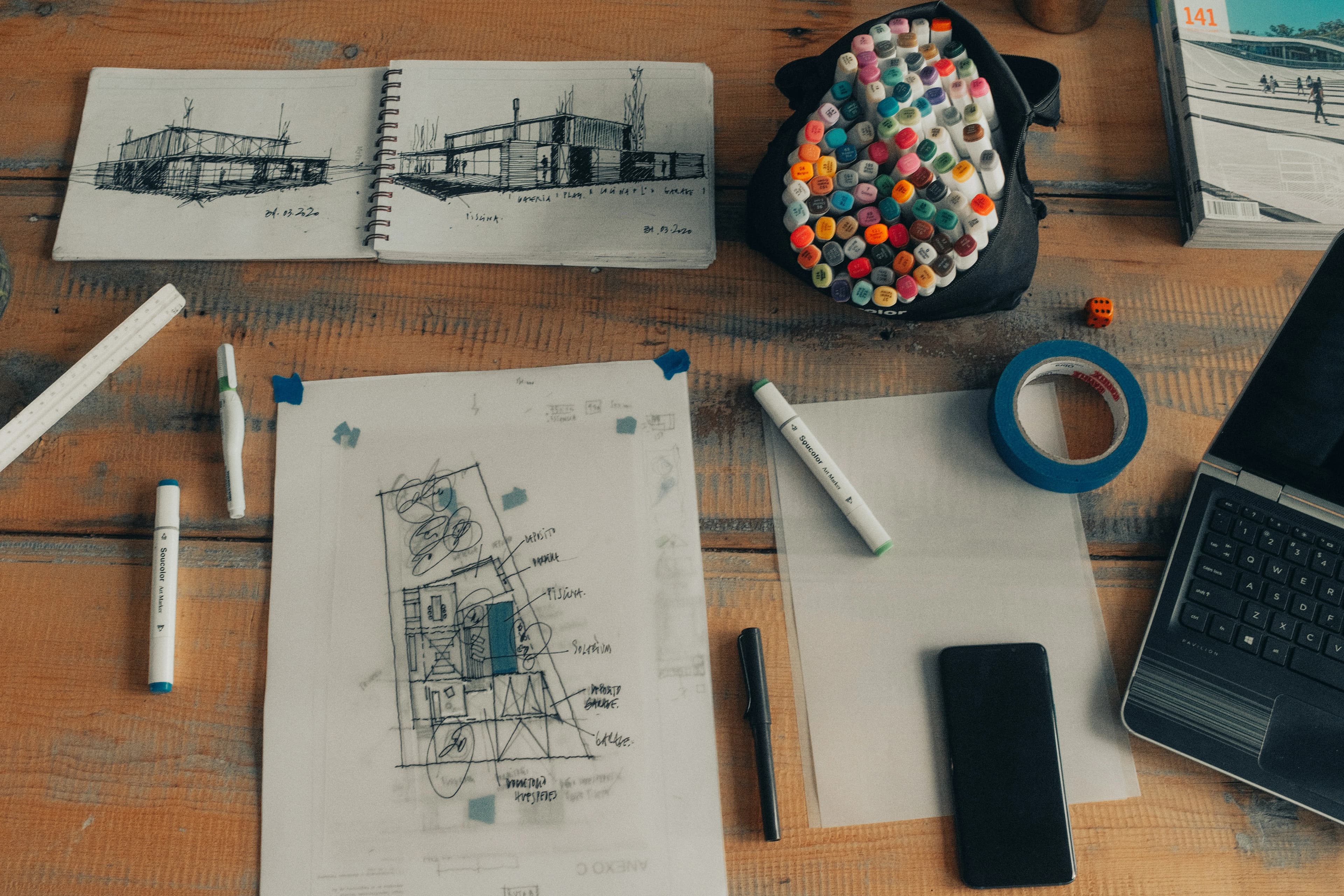
Architects use a wide range of tools in the architectural design process to shape and develop their ideas. From hand-drawn sketches to advanced 3D models, architecture moves from concept to built reality.
Architectural Drawings
Architectural drawings are essential tools that help architects clarify and communicate what is to be built. Different types of drawings serve different purposes.
Some drawings are used to present the architect’s vision and express the fundamental architectural concept. These are typically used to communicate the design to clients and stakeholders.
Other drawings must meet practical and technical requirements. These technical drawings define dimensions and specifications that engineers and contractors rely on during construction.
Architectural drawing has changed significantly in recent years with the adoption of digital tools. Today, almost all drawings are produced digitally, and in many cases—especially for public projects—deliverables must include a 3D model.
The Sketch
Most architects begin the design process with freehand drawing. A sketch is a spontaneous and loosely drawn representation used to capture initial ideas and impressions.
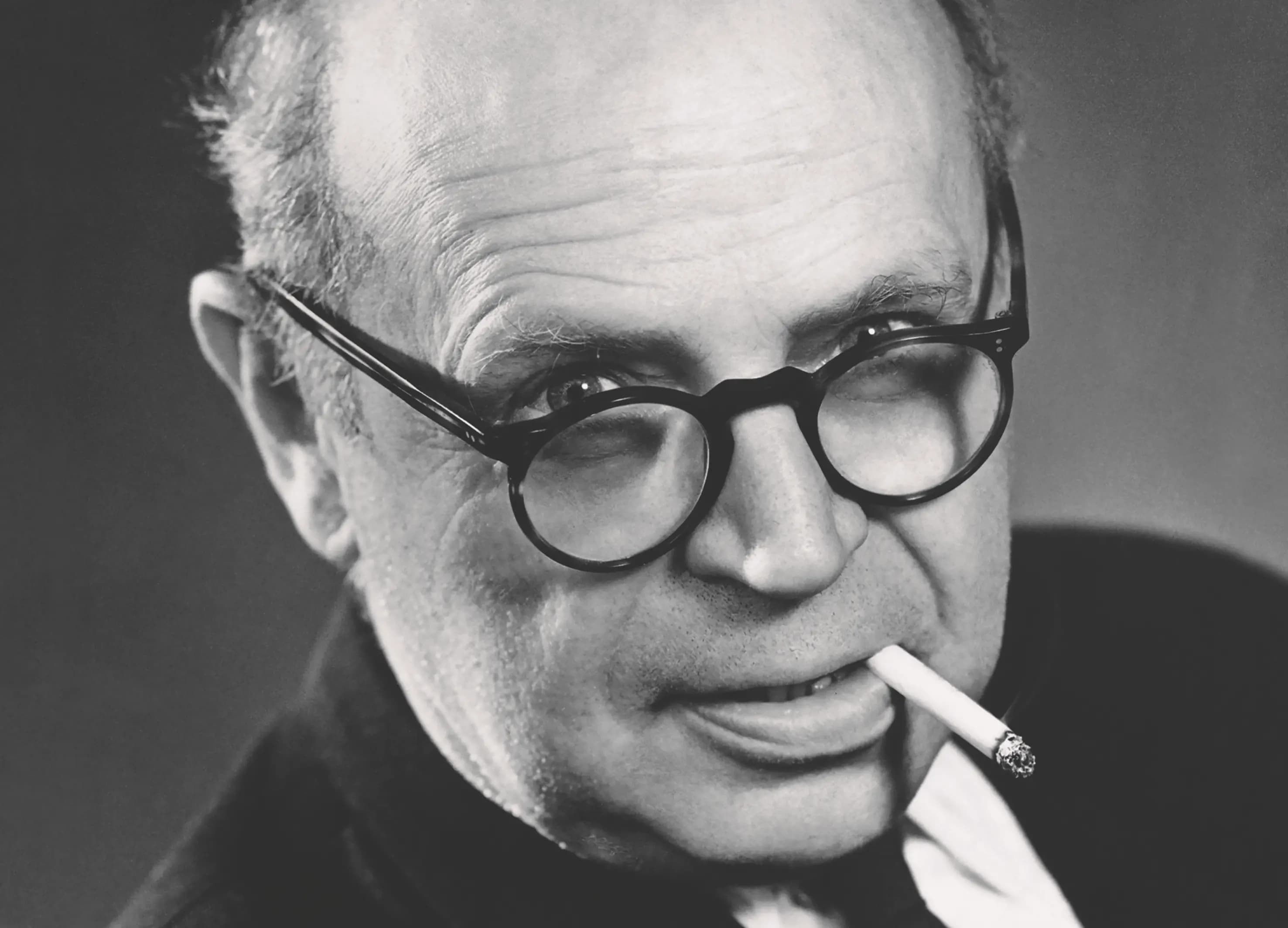
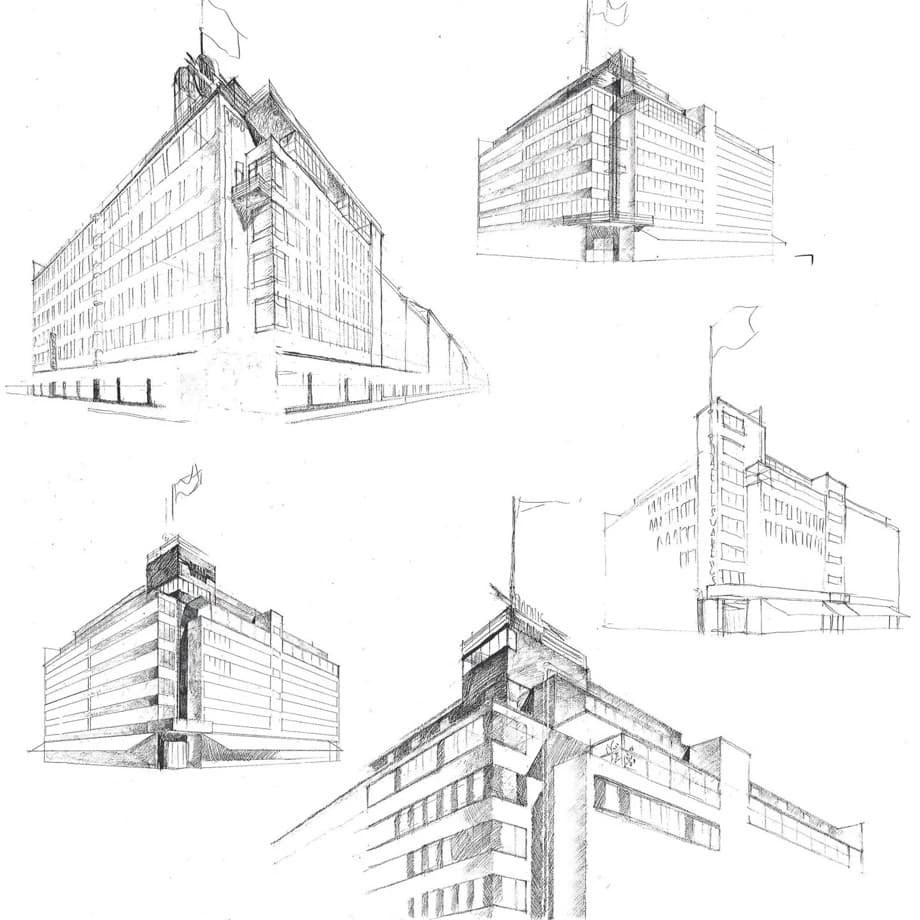
The German architect Erich Mendelsohn (1887–1953) was known for his dynamic sketches, which captured the essence of a building’s form. These sketches were later translated into working drawings and served as a reference point throughout the design process.
A well-known example is Jørn Utzon’s sketch for the Sydney Opera House, where just a few curved lines defined the iconic form of the building.
Many architects practice sketching through croquis drawing, which requires intense concentration, as the goal is to capture form quickly—often within just a few minutes.
Presentation and Design Drawings
To help clients understand and evaluate a project, architects produce a series of drawings that show the building from different perspectives, including floor plans, sections, and elevations.
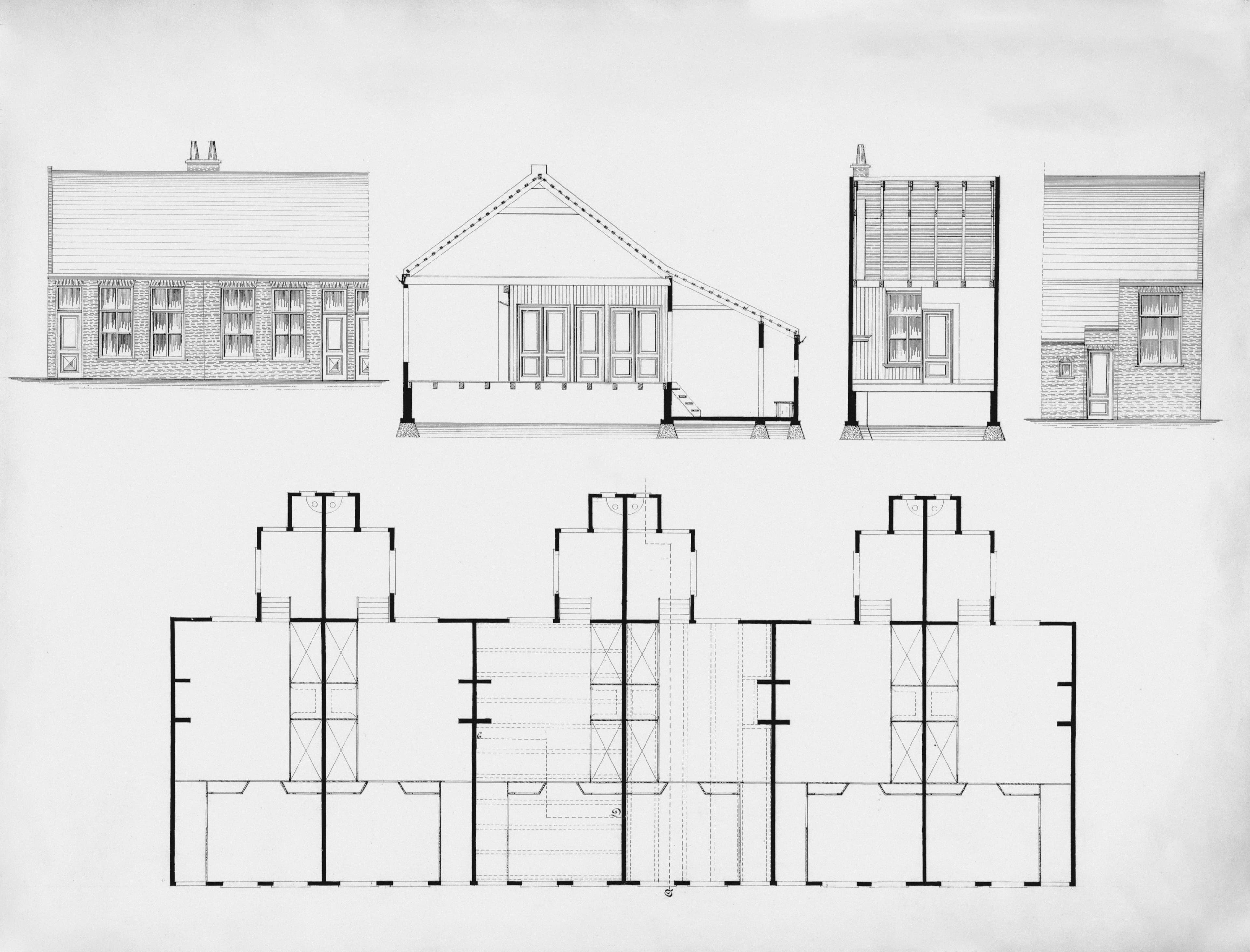
Floor Plan
A floor plan shows a building from above, as if the roof has been removed. Each level is drawn separately, allowing you to study the layout, size, and organization of spaces.
It shows where windows, doors, stairs, and installations are located, and how rooms are arranged.
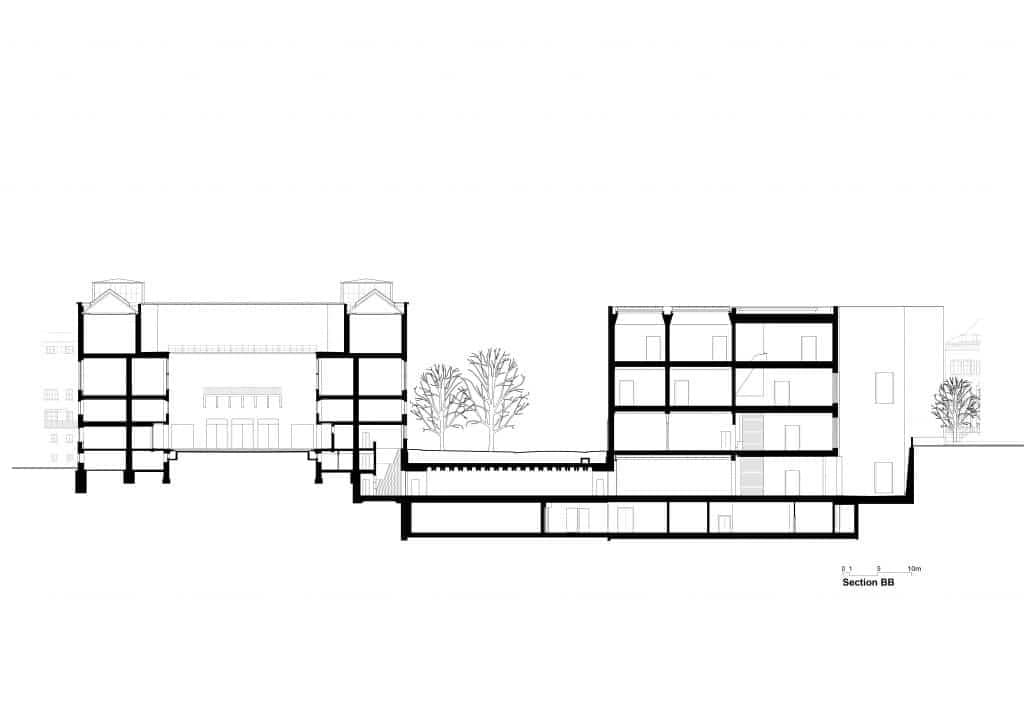
Section
A section drawing is a vertical cut through a building, allowing you to look inside and understand its spatial organization.
A cross section can illustrate the number of floors, while a longitudinal section reveals how spaces are connected throughout the building.
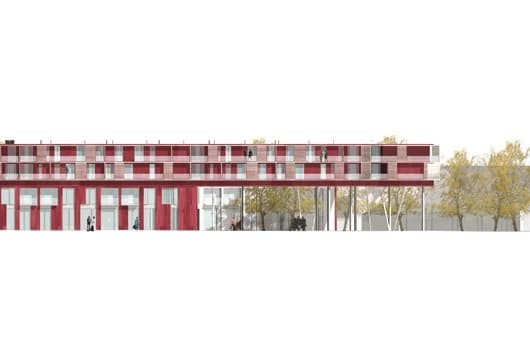
Elevation
An elevation drawing shows the building from the outside. It illustrates how the façade is composed and what elements it includes.
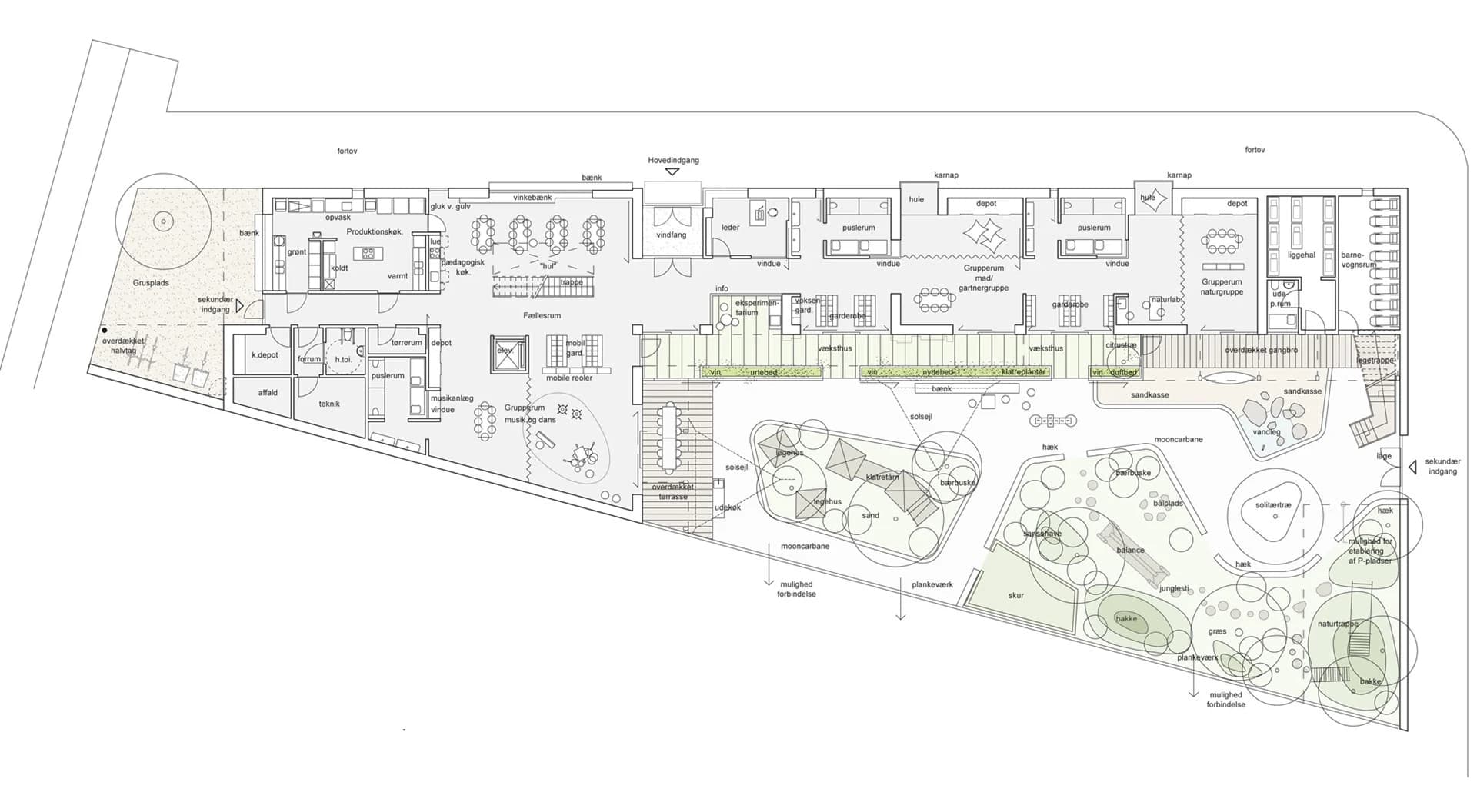
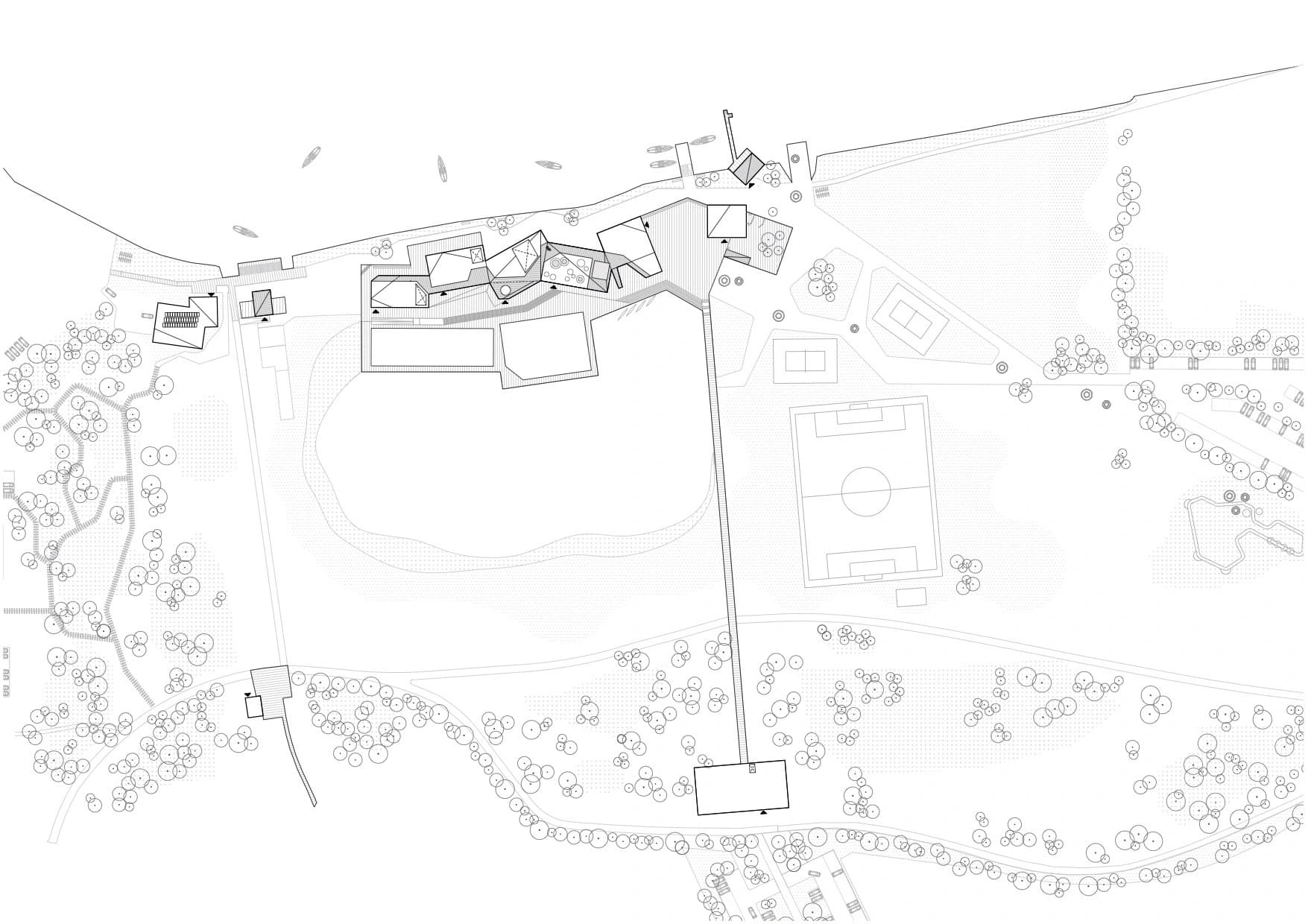
Site Plan
A site plan shows the building’s location, access conditions, road and path systems, and its relationship to surrounding buildings.
It may also include landscaping, paving, and parking conditions, helping to explain how the building fits into its immediate context.
Scale
Architectural drawings are created using scale, allowing the viewer to understand the building’s proportions.
Typical scales for floor plans, sections, and elevations are 1:100, meaning that 1 centimeter in the drawing corresponds to 1 meter in reality.
Site plans are often drawn at 1:200 or 1:500, while detail drawings may use 1:20 or 1:50.
Spatial Visualization
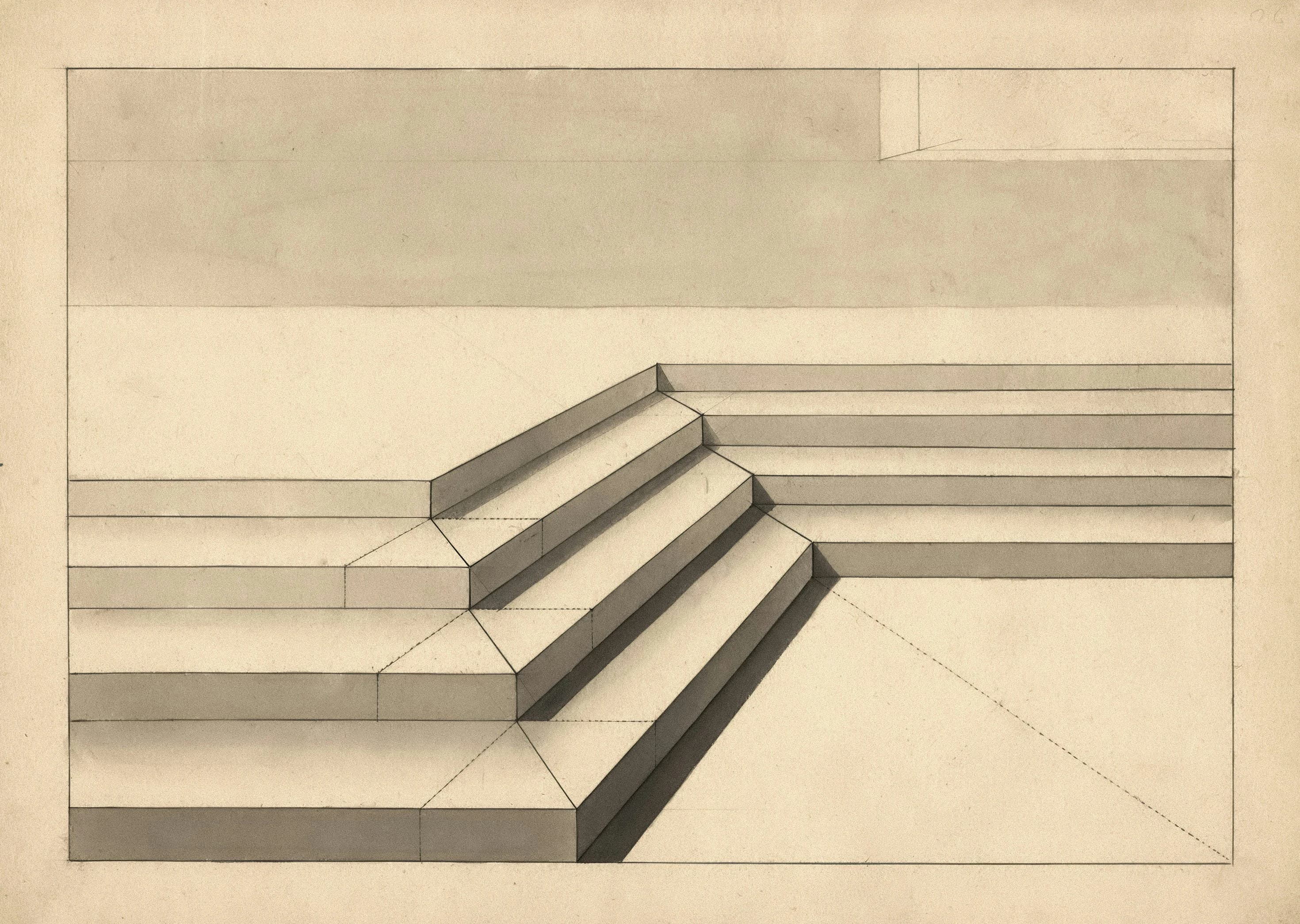
Architects often create spatial visualizations to help people imagine three-dimensional form and space. This can be done through perspective drawings of both interiors and exteriors or through axonometric projections.
Today, these visualizations are almost always produced digitally.
Physical Models
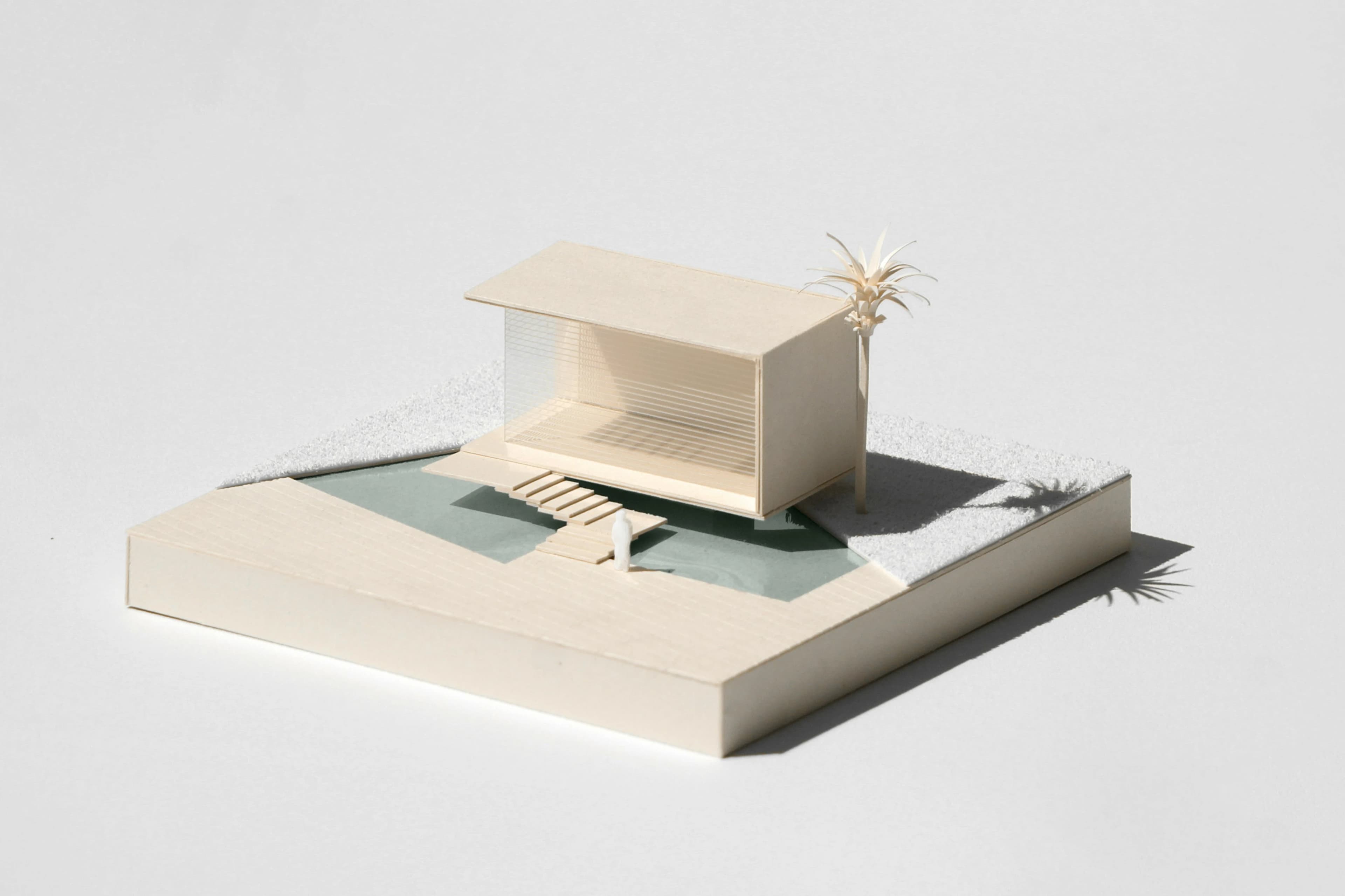
Architects also present their ideas through physical models, often at a scale of 1:100.
Models can represent entire buildings or specific details. Common materials include wood, plaster, cardboard, and white polystyrene foam.
Unlike drawings, physical models provide a tangible and material experience of architecture—but they are also time-consuming to produce.
The Computer as a Design Tool
The computer has become a central tool in architectural design. It allows architects to create highly realistic representations of how a building or space will look and feel.
While architects have long used drawings and models to visualize projects, digital 3D models offer new possibilities. They can simultaneously show perspective, be accurately dimensioned, and be animated.
New technologies also enable interactive, immersive experiences, allowing users to move through a digital model as if they were inside the building.
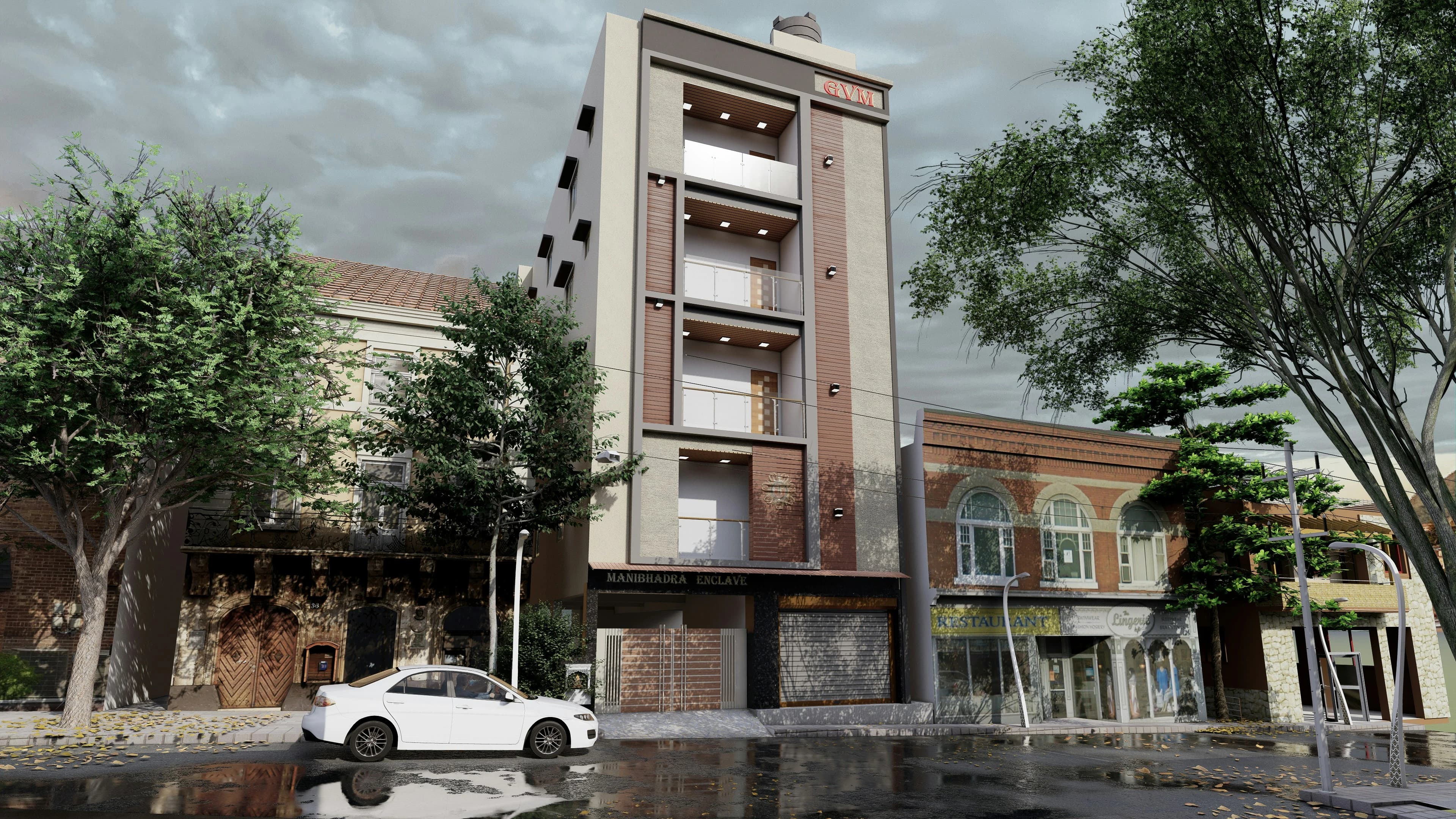
Once a building has been developed as a digital 3D model, it can be viewed from any angle. Colors and materials can be changed, and the model can be placed in different contexts and animated for walkthroughs.
These models enhance understanding and allow architects and engineers to analyze structures more effectively, improving the overall design.
They also improve communication with clients, who can more easily interpret the project. However, digital models lack physical tactility—you cannot touch or feel them. Therefore, they should be seen as a complement to, not a replacement for, physical models.
Frank Gehry’s Guggenheim Museum in Bilbao
Frank Gehry’s Guggenheim Museum in Bilbao is a well-known example of how digital tools have enabled the creation of highly complex and expressive forms.
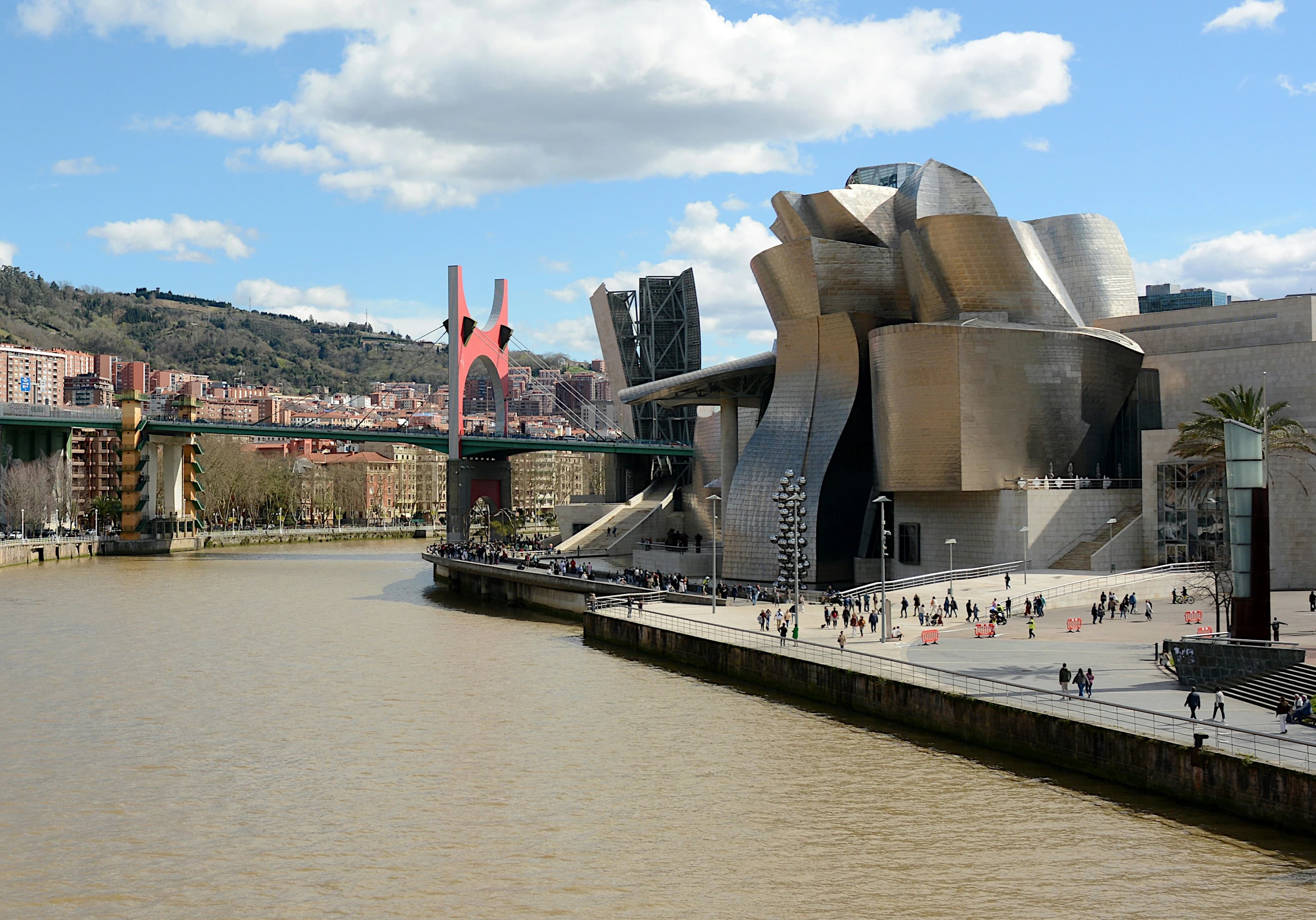
In the design process, Gehry used the 3D software CATIA, originally developed for the French aerospace industry.
This software allowed him to produce precise digital models of the building’s surfaces and interiors and to calculate material behavior accurately.
The models could then be sent directly to manufacturers with exact specifications. Complex curved surfaces could be translated into buildable components, making them both feasible and relatively cost-effective.
Digital tools have significantly reduced the gap between architectural concept, engineering, construction, and fabrication.
New Possibilities
With the computer as a tool, architects have gained access to new possibilities. They can easily study projects from around the world and exchange knowledge about materials and construction techniques.
Some architects explore these tools without a specific building project in mind, creating speculative and experimental digital architecture.
Modern computing power enables the creation of highly complex geometries, inspiring new forms beyond traditional shapes like spheres, cones, and pyramids—such as the Möbius strip.
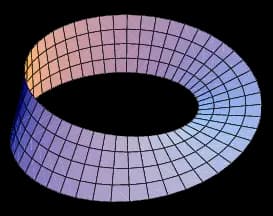
Architect Jenny Nilsson designed a pavilion in Stockholm’s Vitabergsparken based on a Möbius strip, constructed from wooden slats and synthetic cladding.
The Möbius strip, discovered by German mathematician August Möbius (1790–1868), is defined by having only one continuous surface. You can move from one point to another without crossing an edge.
It can be created by twisting a rectangular strip halfway and joining the ends.
Light and Color
Light and color are also important tools in the architectural design process. Both play a key role in shaping spatial experience.
Light determines how we perceive color, and as light changes throughout the day, so do the colors of a space or building. Colors also appear differently depending on their context.
Effect
Colors can influence how a building is perceived. They can make it appear larger or smaller, heavier or lighter, warmer or cooler, closer or more distant.
For example, a small room painted in light colors can feel larger and more open. A room with limited daylight from the north or east can be made to feel warmer by using reddish tones.
Atmosphere
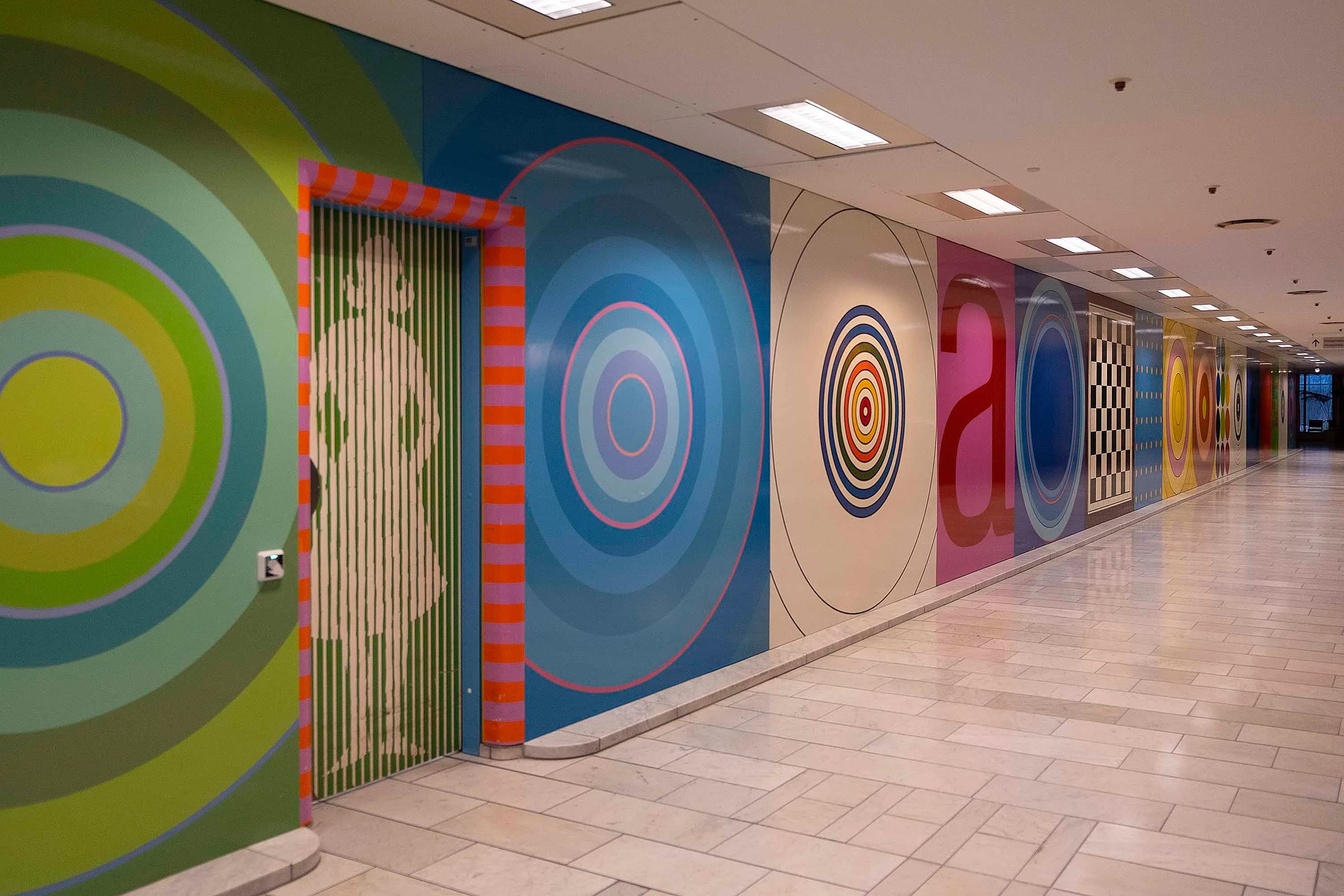
Color strongly influences the atmosphere of a space. At Herlev Hospital in Denmark, artist Paul Gernes was responsible for the color scheme. The goal was to create warm and welcoming environments that could positively affect people’s well-being.
Emphasis
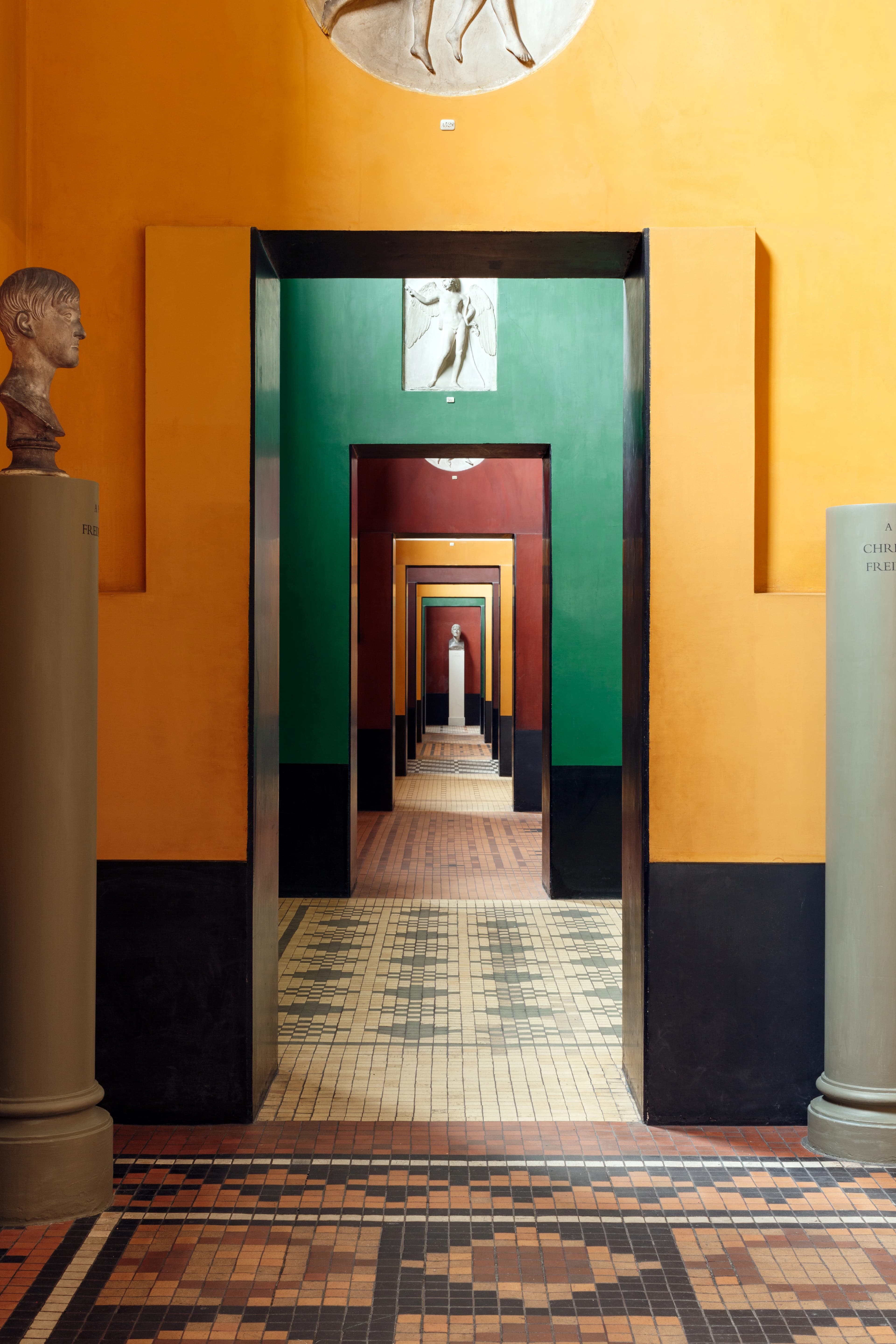
Color can also highlight the idea behind a space. At Thorvaldsen’s Museum in Copenhagen, architect M.G. Bindesbøll used strong and varied expressions for different rooms.
Transitions between spaces are emphasized through both terrazzo floors and shifting wall colors.
Color can also emphasize architectural composition, decoration, and form, as seen in the Palads Theater in Copenhagen. Originally built in 1918 as a white building, it was later decorated by Poul Gernes in 1988. Imaginative or outrageous? Opinions differ. The bold and provocative use of color draws attention in the streetscape.

In the 19th century, people discovered that the classical white marble temples of Greece had once been brightly colored—a revelation that came as a shock.
Context
When buildings are constructed using materials from the surrounding landscape, their colors tend to harmonize with the environment.
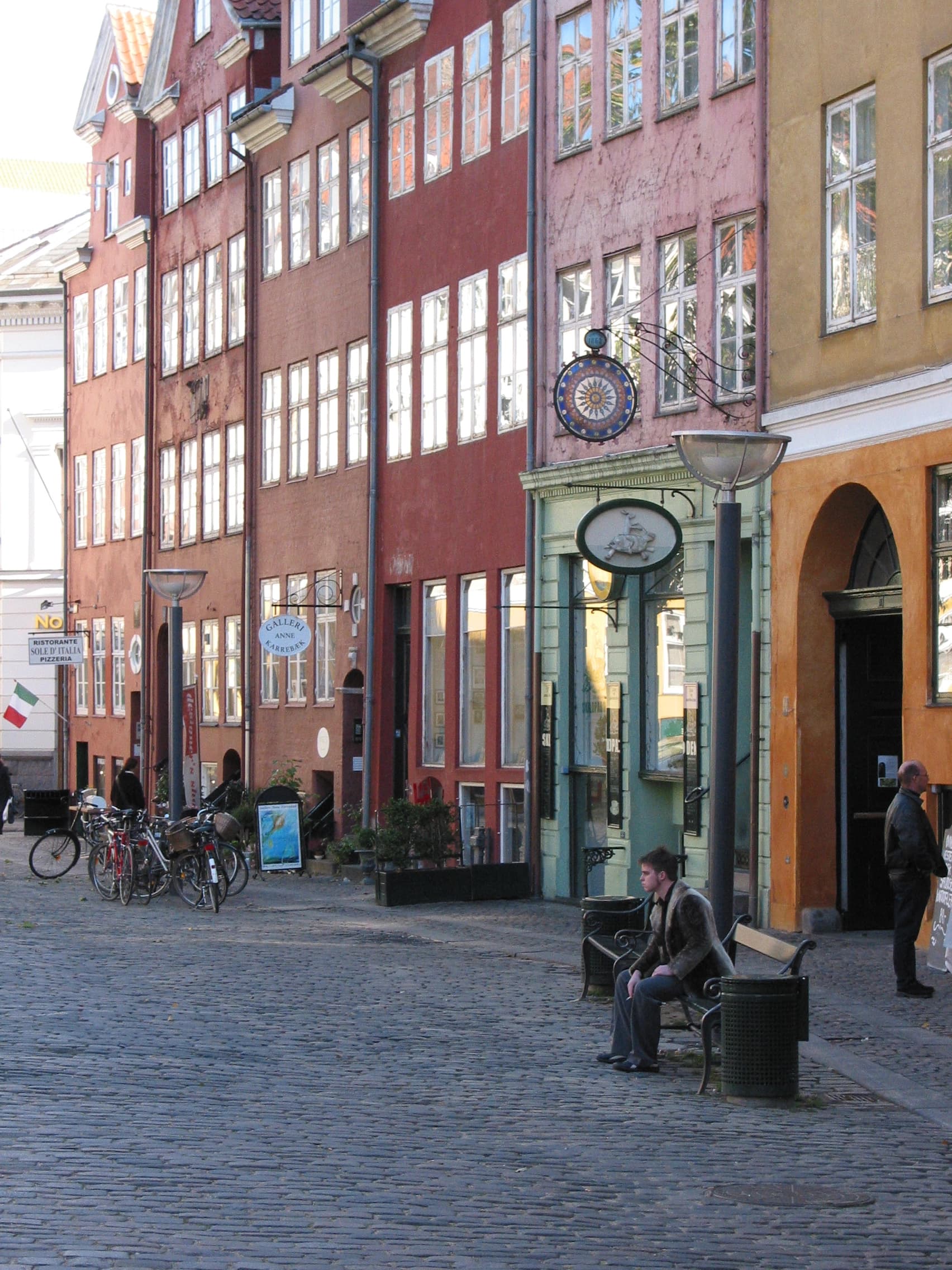
Similarly, architects can create visual coherence in urban settings by matching colors with neighboring buildings. A fine example is the Ildebrand Houses in Copenhagen, where the buildings around Gråbrødretorv display subtle variations of red.