Press here – and see what we lose when the button disappears
You can feel a physical button, find it without looking, and always know exactly where the control is. It’s only when those functions move onto a screen that you realize just how much design is packed into a single press.
By Bjørn Etone Broni Jensen
»Dude! We’ve got to go if I’m going to make my train,« I shout across the apartment to my roommate.
He’s offered to give me a ride to Odense Station, and with a heavy, slightly smelly gym bag slung over my shoulder, I’m not about to turn him down.
»Just wait till I show you what this thing can do,« he says excitedly as we head toward the car.
I assume he’s going to show me how fast it can go, or how loud he can crank Bruno Mars on the speakers. But when I get in, something else catches my attention.
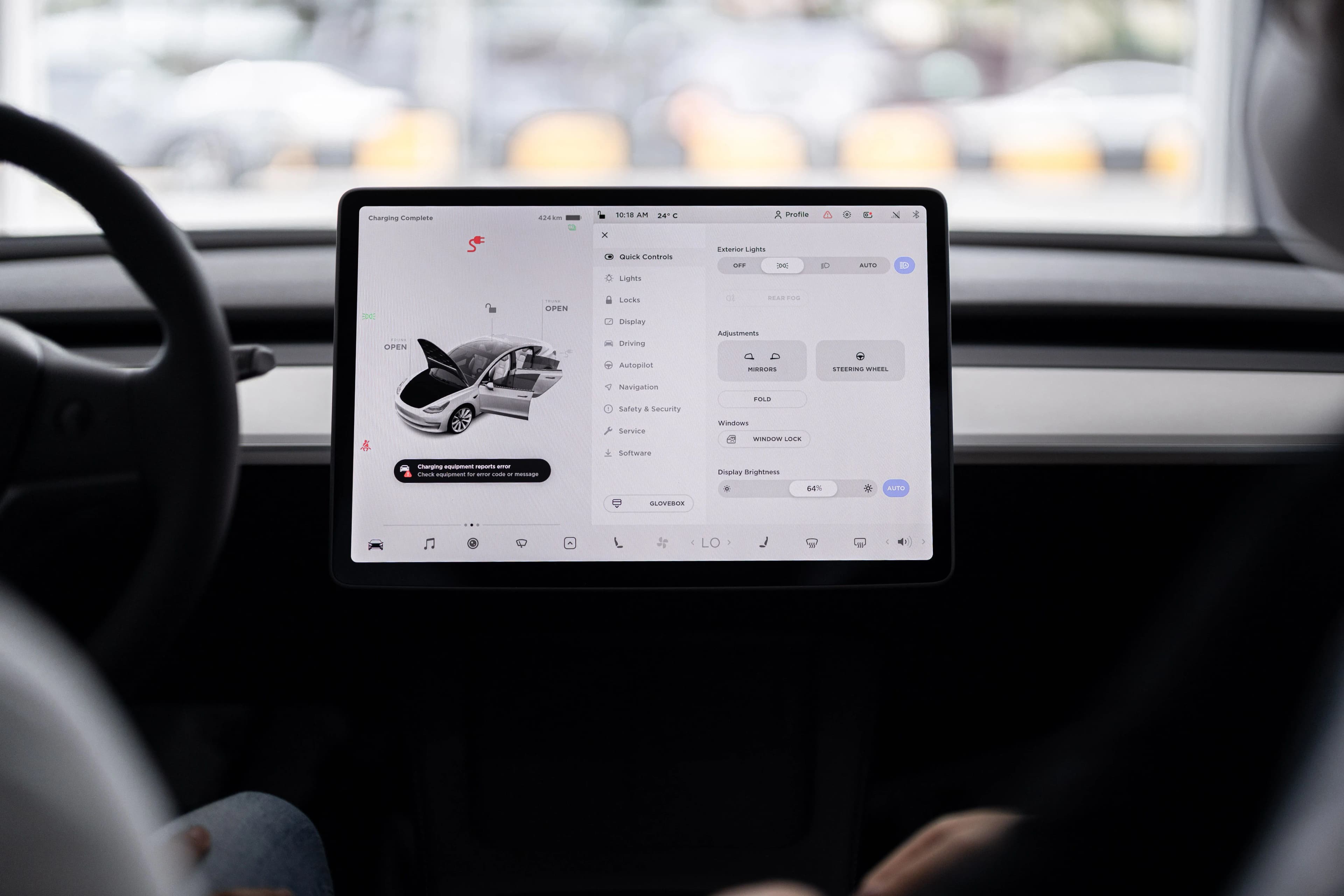
Mounted in the center of the car is a screen about the size of a large iPad. From there, he can control the music, heat, navigation, lights, and about a hundred other things. It feels like the only thing he can’t control from the screen is the car itself.
It looks sleek. Futuristic.
I barely have time to wonder where all the buttons went before we pull away.
But before we get too far, it’s worth taking a closer look at the physical button – and what it can do.
A good button tells you what it does
Buttons can look and feel remarkably different. Yet a good button should make its purpose clear. But is there a single recipe for getting it right?
For Jakob Kjær Nielsen, global design director at Jacob Jensen Design, it all starts with function.
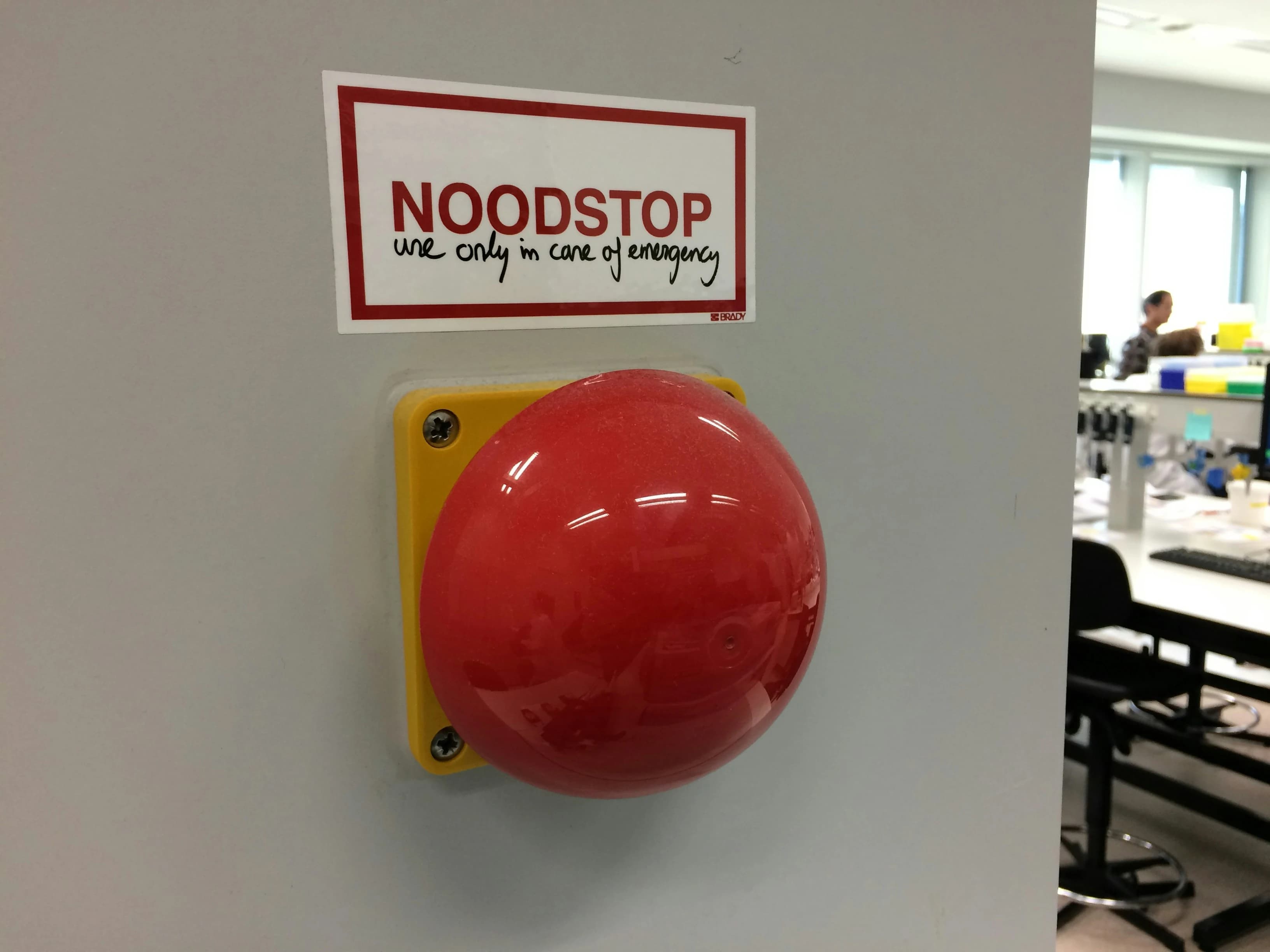
A small button on a remote control, for example, should feel pleasant to press when you’re settling in to watch Friends. An emergency stop button has an entirely different job.
»An emergency stop button isn’t beautiful or elegant in any way, but it does its job. There’s no question what it’s there for,« explains Jakob Kjær Nielsen.
Two different functions, two different designs – but the same basic idea: You should be able to understand what a button is for.
Even the sensation a button gives you is carefully designed. The material and the mechanics beneath the surface help determine how far the button travels, how much pressure it takes to activate, and how it feels beneath your finger. The response might come as a click, a vibration, or a sound.
»If you have a physical volume button that feels great to use, that’s damn good. But if it doesn’t feel good, I’d honestly rather do without it,« says Jakob Kjær Nielsen.
At Jacob Jensen Design, they also consider where buttons are placed and how they’re organized. The goal is to make it immediately clear where to press and what will happen when you do.
So, there’s no single recipe for the perfect button. A good button makes its function clear – and responds when you press it.
One press back in time: Swipe through the history of the button →
The button has no birthday
There is no single inventor or definitive birth date for the push button. That’s according to Rachel Plotnick, an associate professor of film and media studies and author of Power Button: A History of Pleasure, Panic, and the Politics of Pushing.
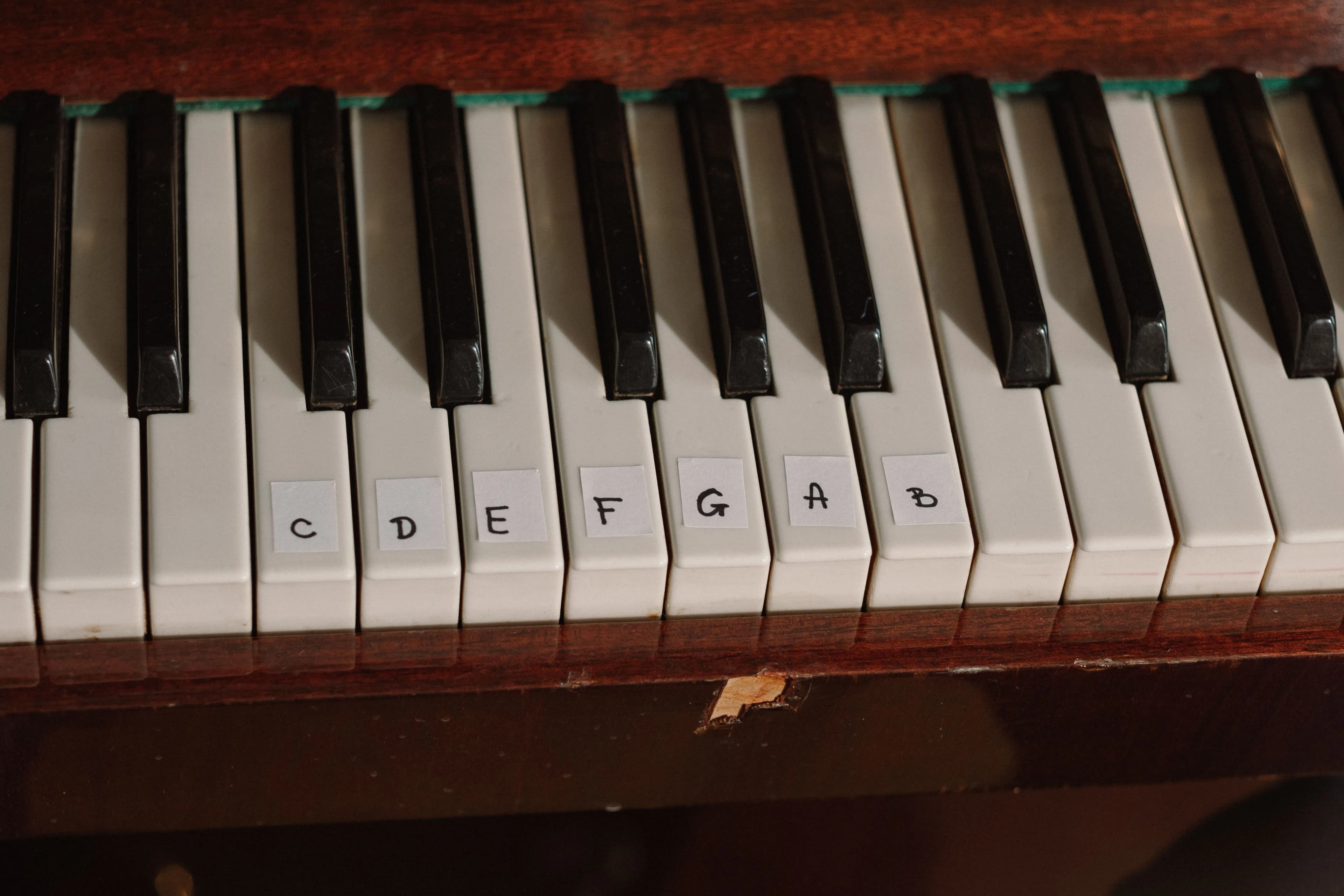
She explains that the button evolved gradually alongside new machinery and the rise of electricity. The keys and valves on musical instruments were already based on the idea of using a finger to set something in motion.
By the early 1800s, the word “button” itself was also being used to describe mechanisms that could be pressed.
The first buttons
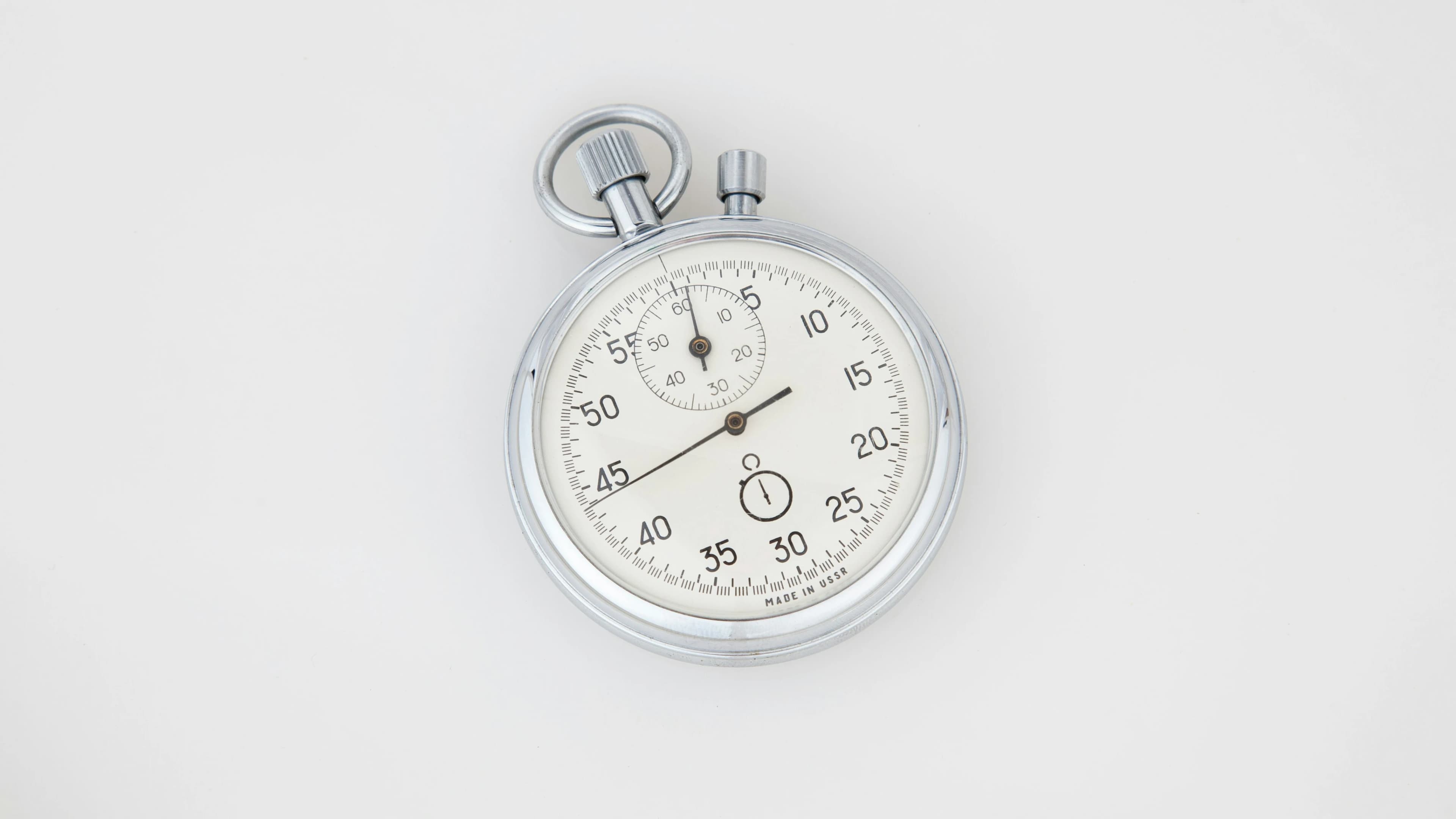
In 1821, French watchmaker Nicolas Rieussec used a button on his stopwatch. A press could start the mechanism and stop it again. The ends of telegraph keys were also sometimes referred to as buttons.
Later, in 1870, Edwin Rogers used a push button in an electric fire alarm system and was subsequently described as “the inventor of the electric push button.” Over time, buttons came to be used for bells, alarms, signals, and other systems in buildings.
An 1882 catalog featured three types of push buttons: a pear-shaped button for an electric bell, a three-button panel for offices, and a round button designed to be built into desks and other furniture.
Buttons everywhere
By the early 1900s, there were already more than 50 different designs. Buttons could be found on dining tables, embedded in floors, or hanging from cords, and by the 1930s, the push button had become so widespread that Rachel Plotnick describes it as both ubiquitous and commonplace.
The 1950s and 1960s brought a full-fledged wave of enthusiasm for push buttons. They became closely associated with the promise of high-tech solutions that could make complicated tasks effortless with a single press.
At the same time, concerns were growing about automation and the role of humans in an increasingly mechanized world.
The button in the room
»Can it play music too?« I ask.
We’re on our way to the station, and the GPS says we’ll be there in six minutes. It’s a short drive, but if I’m sitting in a car this sophisticated, the sound system ought to be just as impressive.
At a red light, he starts searching for the music controls on the screen. He keeps looking and doesn’t notice the light has turned green until the cars behind us start honking.
A screen can bring music, navigation, heat, and countless other functions together in one place. A physical button, by contrast, can give a function a fixed, visible place of its own.
That matters outside the car, too.
Peter Gall Krogh is a professor of digital design and information studies at Aarhus University and trained as an architect. Among other things, he studies what he calls collective interfaces – controls that can be shared by multiple people.
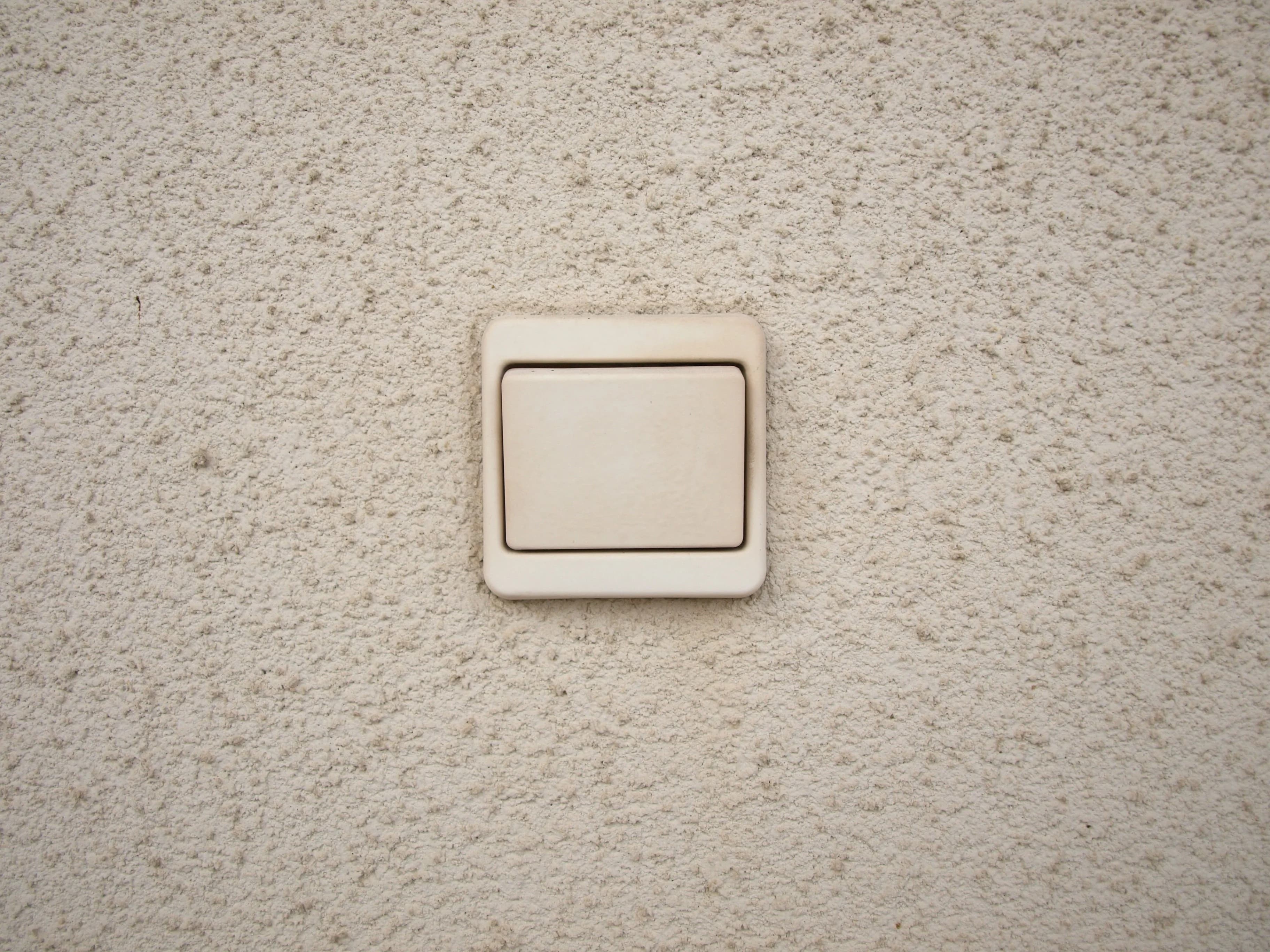
He uses the light switch as an example.
»When I get up, walk over, and press the switch, everyone can see that I’m doing something,« says Peter Gall Krogh.
The point is that everyone in the room can use the same switch. And when someone walks over and presses it, everyone else can see what they’re doing.
For Peter Gall Krogh, it also matters that the control has a physical place close to whatever it controls.
»There are certain controls for the physical world that should be fairly close to the thing they control – and not too isolated from it,« he explains.
But say your friend has just bought smart light bulbs. Now he can dim the lights, change their color, or turn them off from his phone. It’s convenient, but to everyone else in the room, what he’s doing is much less obvious. He might be turning off the lights. He might just as easily be replying to a message from his mom.
So, when a button moves onto a screen, it doesn’t simply disappear from the wall. Some of the control also becomes less visible to the people sharing the space.
"You might be able to reach for a button without looking – feel that it’s there, and press it. That means you can stay focused on something else at the same time"
What happens when we press a button?
The push button is a relatively recent invention in the long span of human history. Even so, it rarely needs an instruction manual. Your mom, your dad, your older brother, even a small child – they all know what is supposed to happen when a finger meets a button.
But as your finger moves toward it, more is happening in your body than you might think.
The sense of touch in our fingertips is so sensitive that we can detect even tiny changes in a surface and feel how much pressure we’re applying. At the same time, muscles and tendons provide information about where the hand and finger are in space.
That’s according to Mark Schram Christensen, an associate professor in the Department of Psychology at the University of Copenhagen, whose research includes movement and sensory perception.
When we press a physical button, in other words, the body gets information back. If we hit it slightly off-center or don’t press hard enough, we can quickly adjust the movement.
And it happens fast. The body continuously uses information from the fingers, muscles, and tendons to fine-tune our movements. If your finger lands slightly off-center on a button, for example, you can correct the press without first having to look and figure out what went wrong.
That’s also why a familiar button doesn’t always demand our full attention.
»You might be able to reach for a button without looking, feel that it’s there, and press it. That means you can stay focused on something else at the same time,« explains Mark Schram Christensen.
And it’s not just about buttons. He points out that our hands play a major role in how we explore and operate the world around us. Throughout human history, we have used our hands to manipulate physical tools and received information about them through our sense of touch.
The hand also takes up a relatively large amount of space in the part of the brain that processes sensory information from the body. That is partly because of how sensitive our fingertips are – and how extensively we use our hands to interact with the world around us.
On a smooth touchscreen, that detailed sense of touch is harder to use because your finger can’t feel exactly where it is. Some touchscreens, including those on phones, try to restore some of that sensation through haptic feedback – physical responses such as vibrations when you tap. But they don’t give the body the same detailed information as a physical button. So, our eyes must help more often.
Otherwise, you might end up opening tomorrow’s weather forecast when all you wanted was to listen to Justin Bieber.
When the button moves onto the screen
»We’re here,« my roommate says.
I look out the window and recognize the place. Odense Station.
We did eventually manage to get the music playing through the car’s speakers. The Weeknd’s Blinding Lights came on. We made it through the intro, but not a single word from him before the drive was over.
We used to hide the machinery behind the button. Now we can hide the button behind a screen, too.
And the screen has one obvious advantage: It can bring far more functions together in one place than a row of fixed buttons ever could. The question is whether every function belongs there.
The auto industry has started asking the same question. Euro NCAP, the European program that assesses the safety of new cars, is placing greater emphasis from 2026 on how easy key functions are to find and operate. Physical controls are part of that equation.
At the same time, several automakers have started dialing back the button-free interior. In 2026, Volkswagen unveiled the new ID. Polo with more physical buttons in response to customer feedback. The year before, Mercedes-Benz began bringing physical rollers and rocker switches back into its cars.
In a sense, that shift is nothing new. Rachel Plotnick, an associate professor of film and media studies at Indiana University and author of Power Button: A History of Pleasure, Panic, and the Politics of Pushing, has described how the button made it possible to hide away complex technology and leave the user with a single point of contact.
On the one hand, that created a sense of control over the machine. On the other, it also sparked concerns that people were being reduced to little more than button pushers. Rachel Plotnick notes that many of those anxieties resemble the concerns we have today about touchscreens and automation.
We rarely stop to think about the button. Part of the reason may simply be that we’ve become so accustomed to it. For more than a century, it has been a constant part of everyday life.
Maybe that’s why it’s only now, as the button begins to disappear, that we realize just how ingenious it really is.